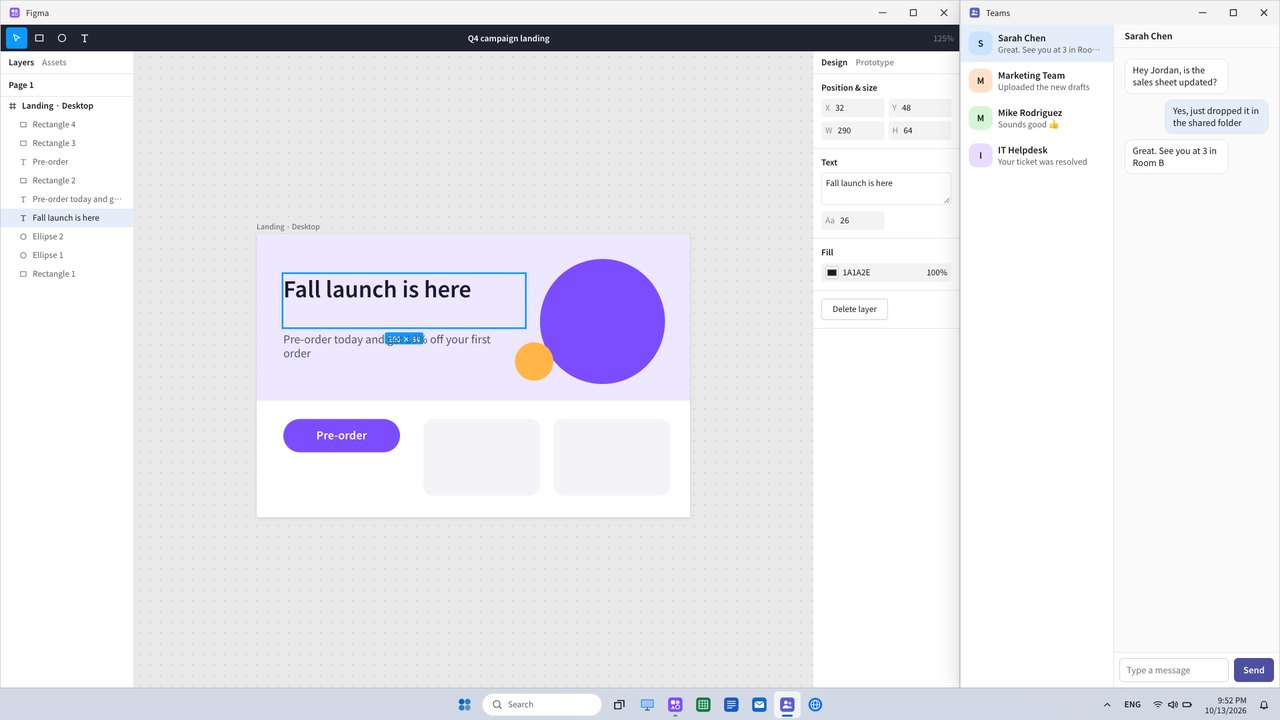
🖥️A convincing first look in full screenWindows 11 Fluent Light
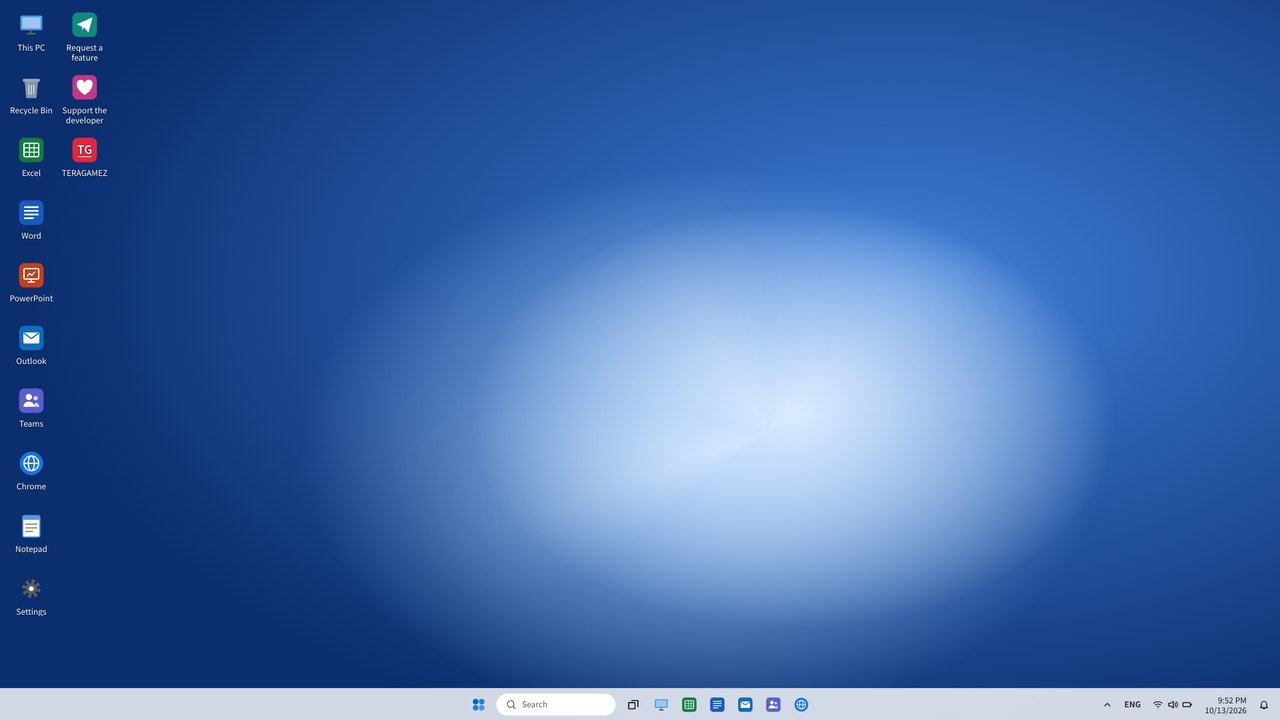
Taskbar, Start menu, clock and calendar, notification center, even the input-method indicator — the default Windows 11 light theme, faithfully recreated. Go full screen with the top-right button or F11 and the browser disappears.
🌏Pick a country, get its PC10 countries · UI language · local apps
Korea, US, Japan, China, Germany, France, Spain, Brazil, Vietnam and India. Each one changes the popular apps (Hangul, Ichitaro, WPS, WeChat, Zalo, WhatsApp…), the UI language, date formats and even spreadsheet function names (SUMME, SOMME…). Add #jp to the URL to open straight into a country.
📊Open it, and it works12 app engines
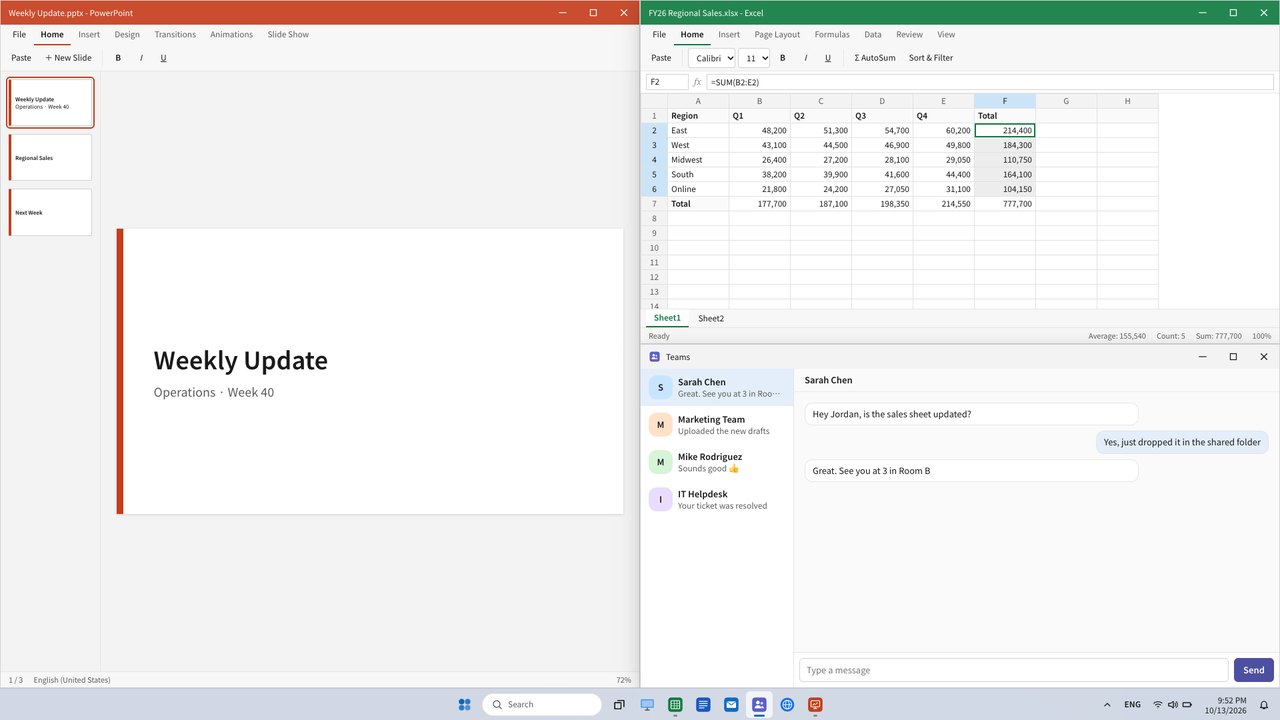
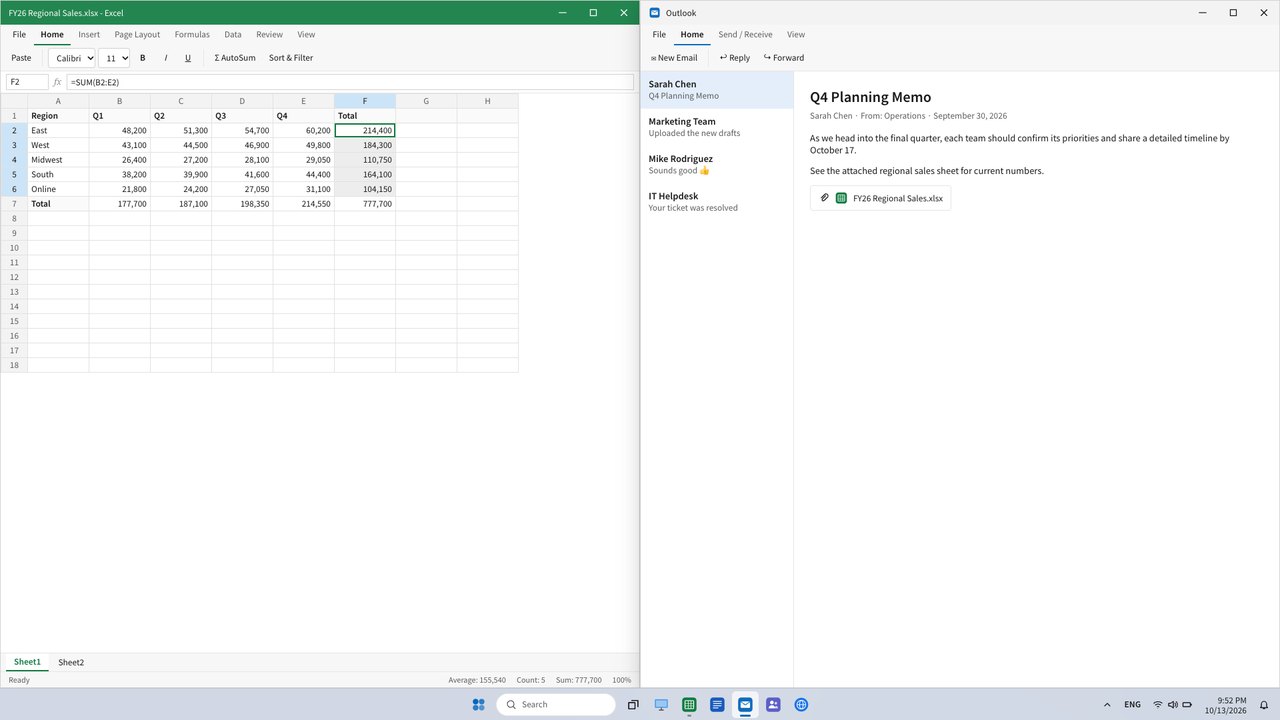
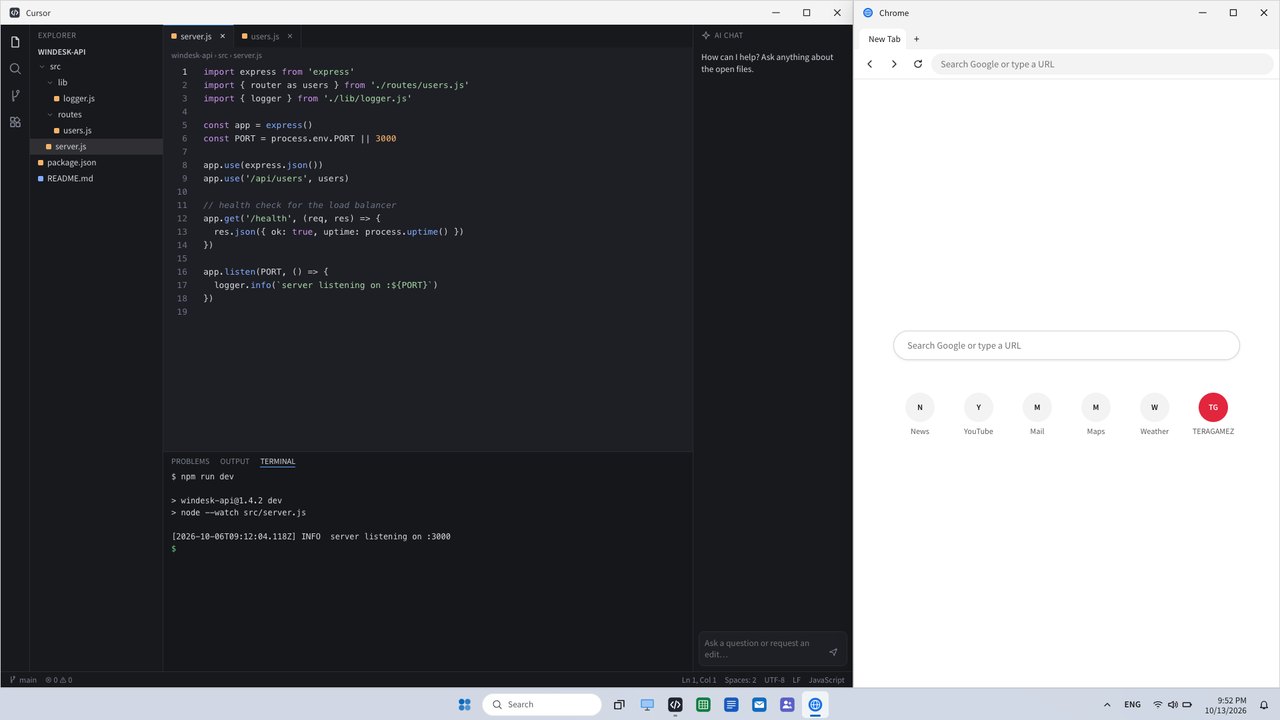
The spreadsheet runs SUM/AVERAGE formulas with range selection and a sum/average status bar. There are documents, slides, mail, File Explorer, Notepad, a messenger that replies on its own, a code editor with syntax highlighting and a design tool. Type an address in the browser and the real site opens in a tab.
🪟Windows-style window handlingSnap · Alt+Tab · Task View
Drag a window to an edge to snap it to a half or quarter, or hover the maximize button for six snap layouts. Windows snapped together form a group, and dragging the divider resizes them all at once. Alt+Tab, Task View and taskbar previews work too.
💼Pick a role, get a ready-made screenDeveloper · Marketer · Manager · Designer
Choose a role in Settings and the right apps are laid out at the right sizes — a code editor and browser for developers, slides, sheets and chat for marketers. It comes back the same after a refresh.
🔔Notifications arrive, and you step awayNotification center · Do not disturb · Screen saver
Leave it running and new chat messages and meeting reminders pop up as toasts with badge counts on the icons. Toggle Do not disturb and the chime, and when you stop touching it, an away screen with a big clock takes over.
✏️Make it your ownDocuments · Messenger · Wallpaper
Edit the sheet, document, slides and notes each app opens with, the chat history and auto-replies, and the wallpaper photo — all from Settings. Paste a table copied from Excel and the formulas survive.
🔒Nothing leaves your browserNo server, no account
Your settings and edits are stored only in this browser. Messenger "send" only shows inside the window, and there are deliberately no sign-in, password or payment screens.